Website Changes (Adding or deleting images to your website)

Adding or deleting images to your website.

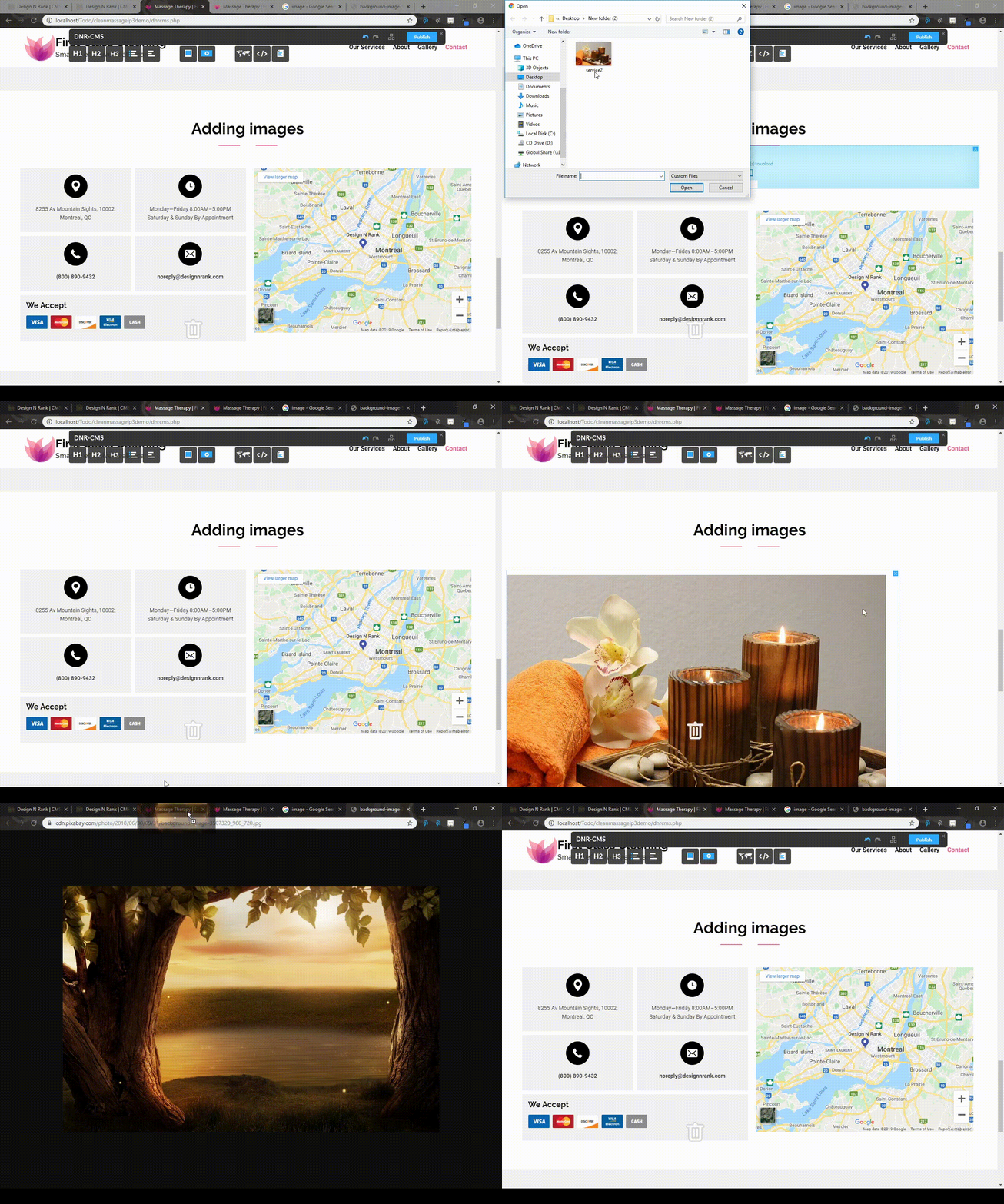
There are three ways in which you can add an image to your websites (All shown in the demonstration below)

  • - Drag an "Upload Image" object from the DnRCMS interface to the location in which you want to add an image
  • - Drag and drop directly from your computer
    - Drag an image from a url onto the website
  • 0 Kasutajad peavad seda kasulikuks
Kas see vastus oli kasulik?

Seotud artiklid

Website Changes (Publishing Changes)

Reverting Changes In order to revert changes, you must simply press CTRL and Z simultaneously....

Website Changes (Adding or removing images from the gallery)

Adding or removing images from the gallery In order to add images to the gallery, you can use...

Website Changes (Adding Adding a Google Map / Editing Existing Map)

Adding a Google Map To add a Google Map with your location to your website, you can simply drag...

Website Changes (Attaching files to your website)

Attaching files to your website You can attach files to your website by dragging the "Upload...

Website Changes (Embedding Youtube and Twitter links)

Embedding Youtube and Twitter links You may also add embedded Youtube videos or Twitter posts by...