Reverting Changes
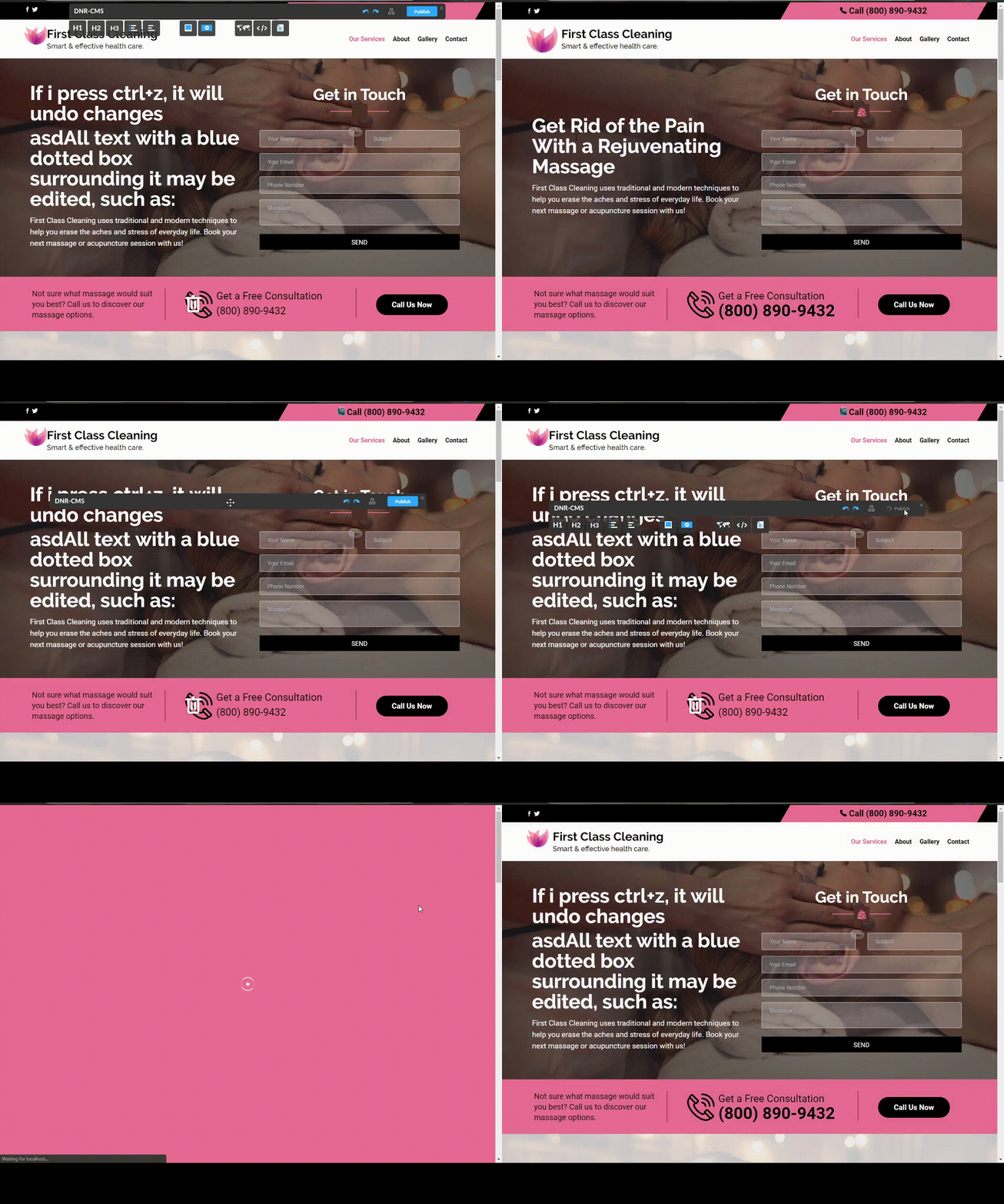
In order to revert changes, you must simply press CTRL and Z simultaneously. Each time you press this key combination, it will undo one change at the time. This will work both in edit mode, and out of edit mode. Pressing CTRL and Y simultaneously will re-do any changes you reverted with CTRL and Z.
Publishing Modifications
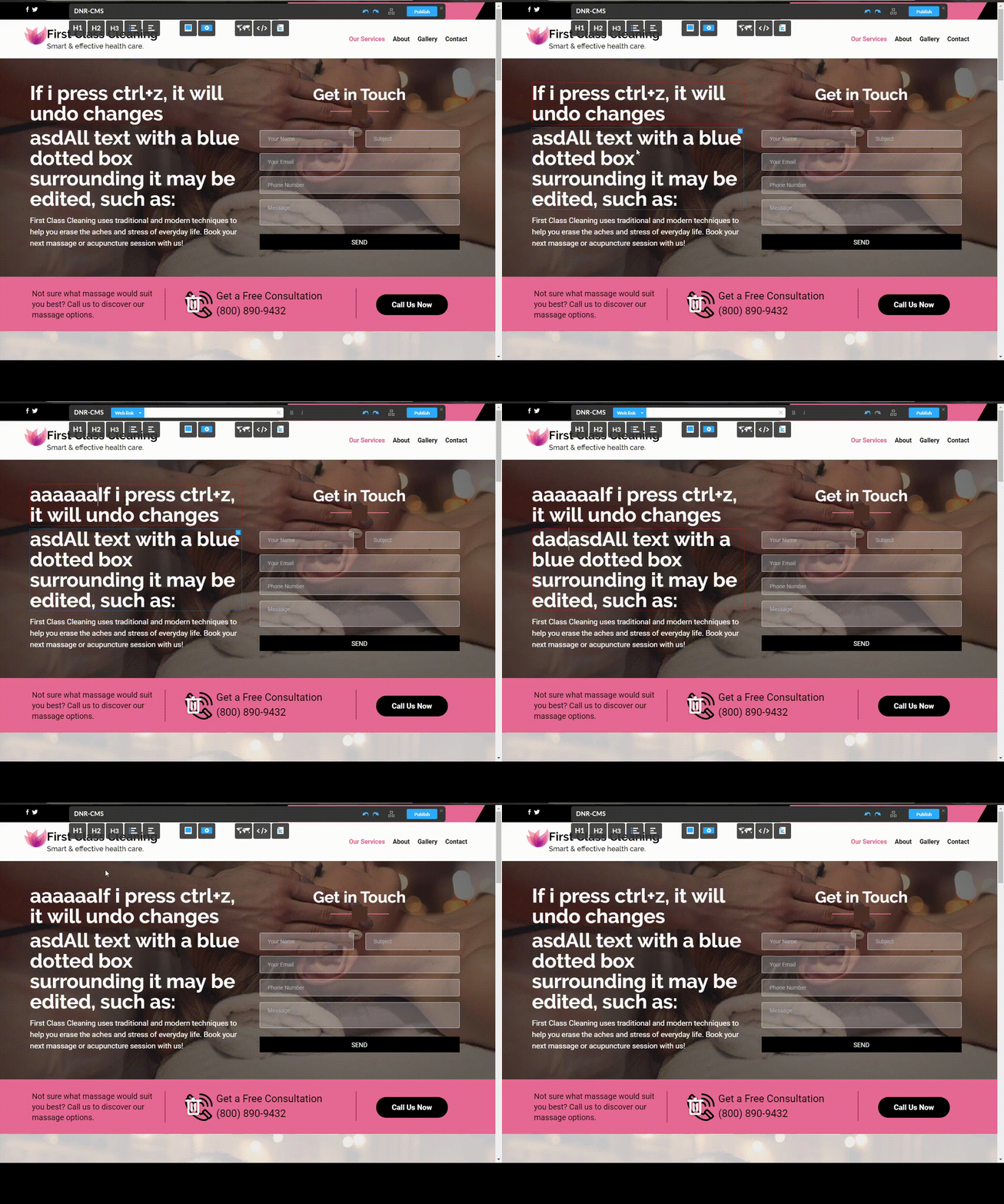
In order to publish all of your changes to your website, you must simply press the blue Publish button at the upper-right corner of the DnrCMS interface as shown in the demonstration below.
Click to edit