Editing Text
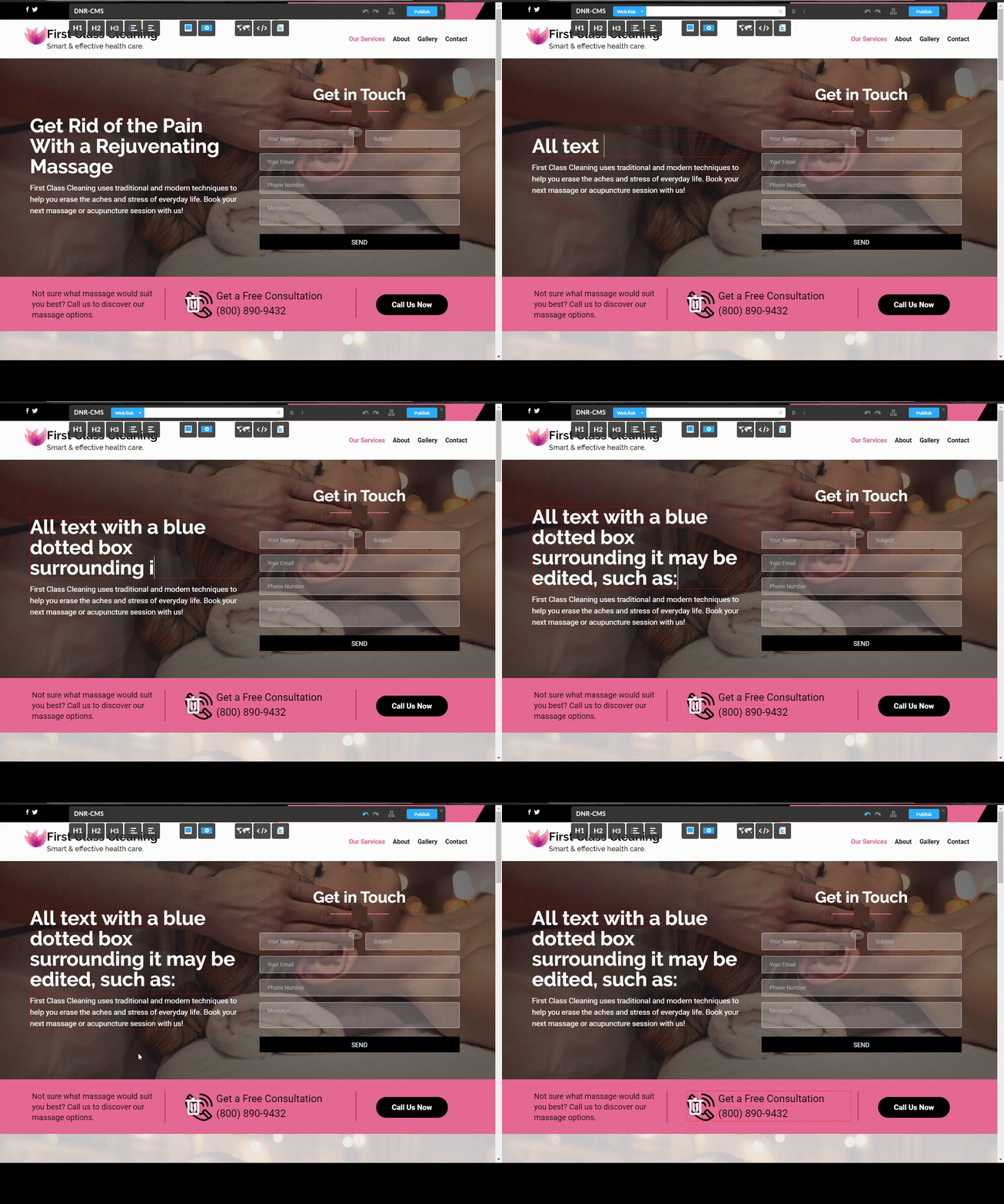
1) First of all, to verify if a textbox is editable, simply hover your mouse over the text you would like to edit and if a blue box appears around the textbox, this means that the text can be edited.
2) To edit said text, left click inside the blue box and you will enter edit mode.
3) Finally, to exit edit mode, left click anywhere outside the textbox area.
Note that this won't directly publish changes to your website. In order to publish all modifications to your website, visit the Publishing Modifications Guide.