
Attaching files to your website
You can attach files to your website by dragging the "Upload File" object from the DnrCMS interface onto the page at the location you desire.
Then simply left click the "Select a file" box and select your file.
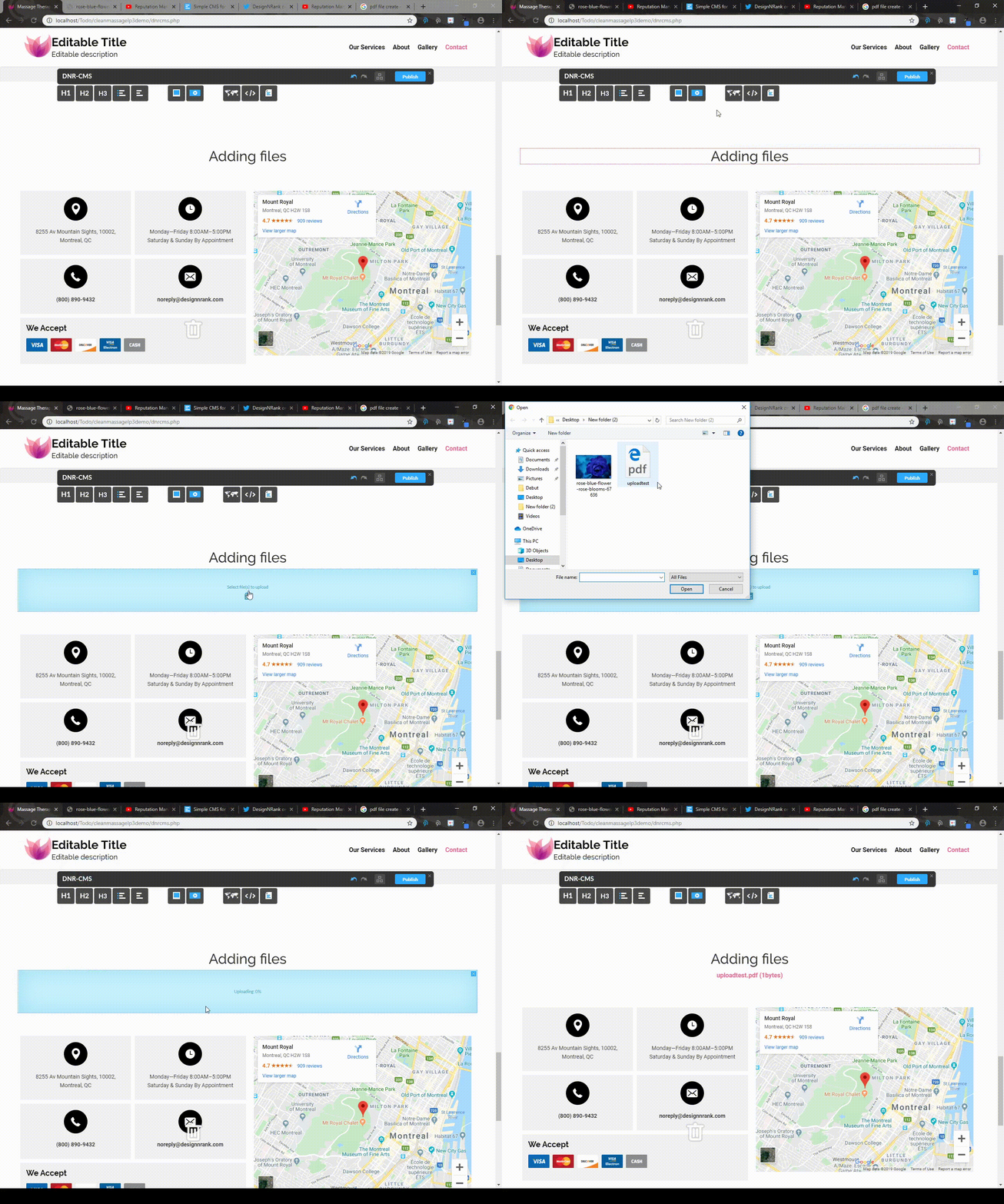
You can attach files to your website by dragging the "Upload File" object from the DnrCMS interface onto the page at the location you desire.
Then simply left click the "Select a file" box and select your file.